
Platform comparisons
TradingView alternative: ChartArrow compared
ChartArrow is an option for AI-assisted browser chart research. TradingView combines charting with a scripting and community ecosystem and connections to participating brokers. The right choice depends on what you need to do after opening a chart.
What is the difference between ChartArrow and TradingView?
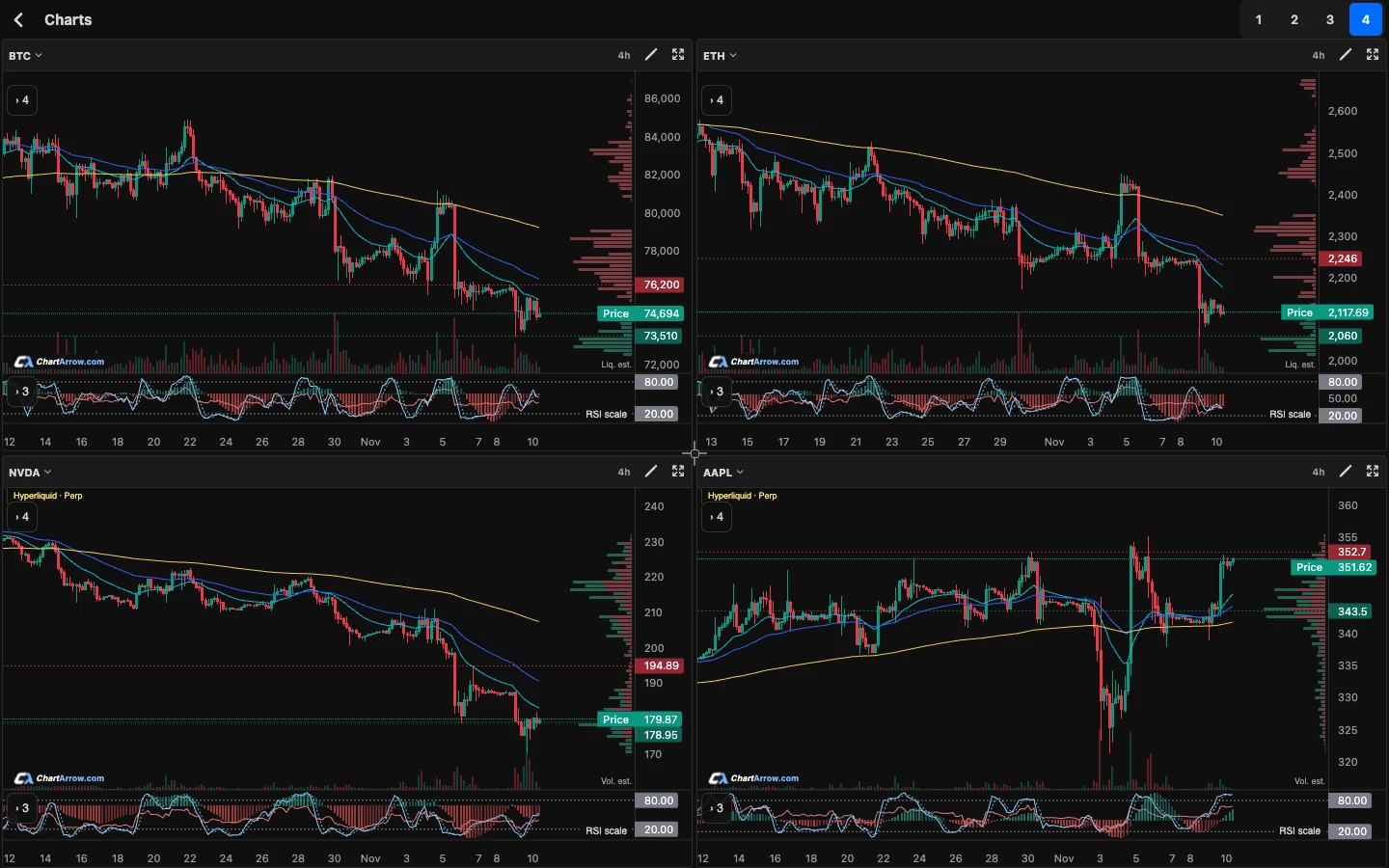
ChartArrow brings charts, watchlists, indicators, drawings and up to four charts into a browser workspace. Available AI chart chat can use GPT, Claude or Grok, and AI drawings can be edited. Account and plan limits apply. It is for research: these features do not hold funds, place orders or execute trades.
TradingView provides charting, drawings and multi-chart layouts, plus Pine Script for custom indicators and strategies and a community for sharing scripts. Its broker integration guide describes connecting a participating broker to trade from Supercharts. Broker and market availability matter.
ChartArrow vs TradingView: side by side
| Need | ChartArrow | TradingView |
|---|---|---|
| Chart research | Browser charts, watchlists, indicators, drawings and up to four charts. | Charts, indicators, drawings and multi-chart layouts. |
| AI workflow | Available AI chart chat and editable AI drawings; limits apply. | Check current TradingView features for your specific workflow. |
| Custom scripts | Do not assume Pine scripts transfer or run here. | Pine Script supports custom indicators and strategies, including published community scripts. |
| Trading | Research only; no order execution through these features. | Trading through supported connected brokers is available, subject to broker and account access. |
| Alerts | Price, RSI and Stochastic alerts, subject to access and limits. | Check TradingView's current alert options and plan limits for your setup. |
Who should use each platform?
Try ChartArrow if your immediate task is to examine a chart, compare a few markets and ask questions about what you see. It is also useful if editable AI drawings fit your research process. Open it in a browser or add it to an iPhone Home Screen. Free charting tools are available; AI and other account features have limits.
Keep TradingView if Pine indicators, custom strategies, published scripts or its community are central to your work. If you want to send orders through a connected broker from the chart, confirm that your broker and instrument are supported. ChartArrow is not a direct replacement for those capabilities.
See the broader charting software guide and AI trading guide for more on choosing a research workflow.
Can you use ChartArrow alongside TradingView?
Yes. Start with one instrument and record the exchange or source, product type, timeframe and indicator settings in your current workspace. Open the closest available market in ChartArrow and match those details before comparing observations. A similar ticker can represent a different instrument or price feed, so identical prices and candles should not be assumed.
Recreate only the important levels and indicators manually. Drawings and layouts should not be assumed to import, and Pine scripts are not interchangeable. Ask AI chart chat to explain the current chart, then check its statements against the visible candles and your own research. You can edit AI drawings and remove anything that does not fit your reading.
Use the multi-timeframe guide to compare the same market across intervals, and the alerts guide to learn about price, RSI and Stochastic alerts. ChartArrow chart work is stored on the same device, so plan accordingly if you change browser or device.
What should you check before switching?
ChartArrow offers crypto, stocks, ETFs, forex, indices and commodities where available; verify each instrument and the label on its data. Stock-linked perpetuals are derivatives, not shares. The stock perpetual guide explains that distinction. Market access, history and quotes may differ between products and sources.
Check the indicators and alerts you rely on, your account limits, and whether the workflow needs a broker connection, Pine code or community scripts. Keep your existing setup until the new workflow covers the tasks that matter to you. AI can misread a chart or invent details; it does not establish a forecast or recommend a trade.
Competitor information was checked against TradingView’s Pine Script documentation and trading guide on 15 November 2026. Review current provider documentation before deciding.
Educational product guidance, not financial advice. AI can be wrong. Product features, access and market data can change.
This comparison is published by ChartArrow about its own product. TradingView and MetaTrader are their owners' trademarks. No affiliation or endorsement is claimed.